

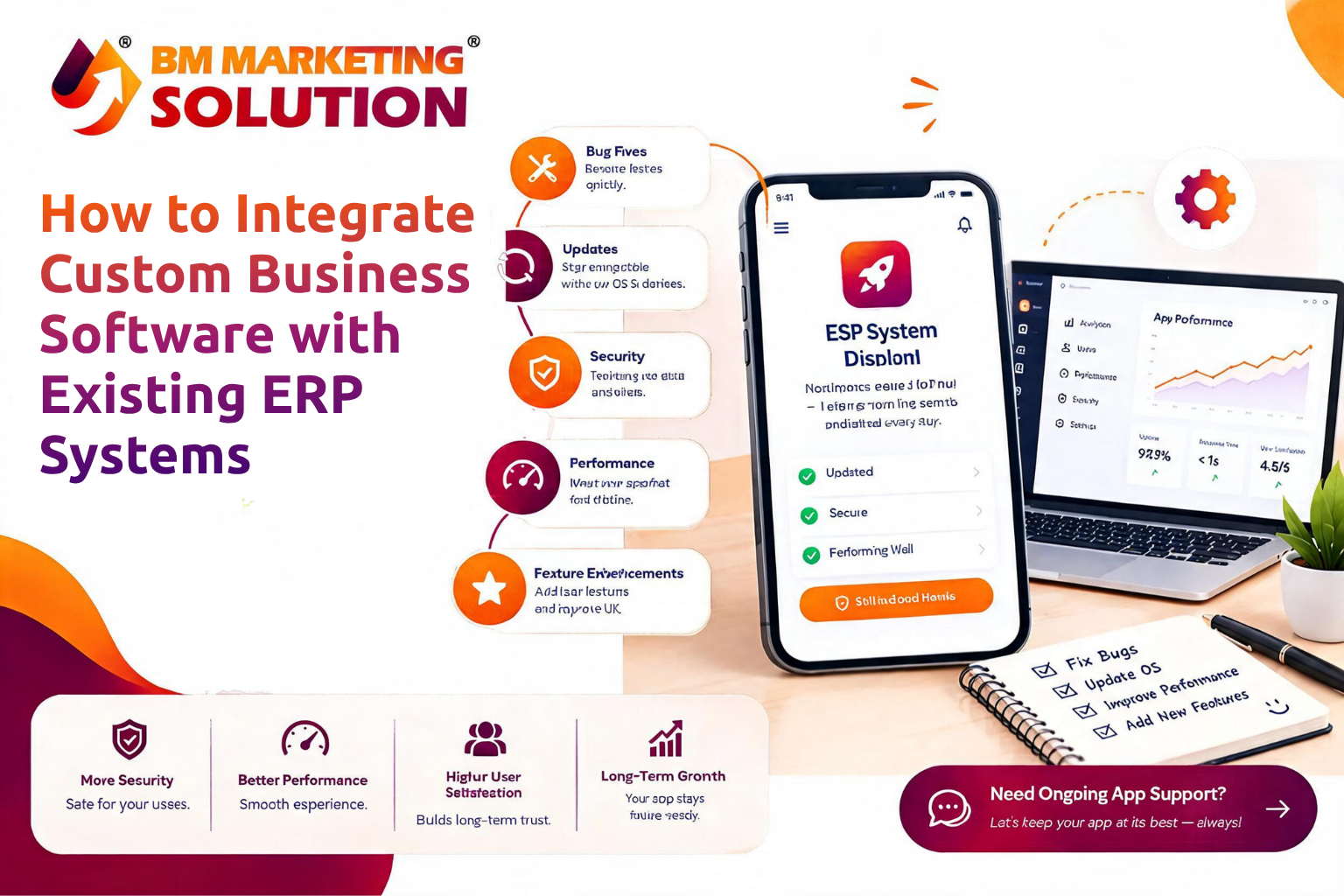
How to Integrate Custom Business Software with Existing ERP Systems
Overview :
Businesses use Enterprise Resource Planning (ERP) systems to manage finance, inventory, sales, and daily operations. As needs change, custom business software can fill gaps, but it must work smoothly with existing systems.
Integration helps teams share information, reduce manual data entry, and manage workflows efficiently. Careful planning is essential.
1. Understand Your Existing ERP System :
Review the ERP modules in use, the information they store, and the tasks that need support from new software.
For example, a company may need a customer portal showing order status, invoices, and delivery updates. Check whether the ERP can share this information and who should access it.
2. Choose the Right Integration Method :
Choose a method based on your ERP, requirements, and data flow :
API integration: APIs let two systems exchange information through defined requests. They can connect customer details, orders, payments, and inventory.
Middleware works as a bridge between applications. It can transform data and coordinate communication when several systems need to connect.
Information that does not need instant updates can be transferred at planned intervals, such as daily reports.
Use supported APIs or connectors provided by the ERP vendor whenever possible. Avoid direct database changes unless the ERP provider specifically supports them.
3. Map and standardize Your Data :
Systems may store similar information in different formats. A customer ID in one application may be an account number in another, so map fields before transferring data.
Decide which system is the main source for each type of information. For example, the ERP may own invoices and stock records, while custom software manages customer requests.
Define how to handle duplicate records, missing fields, and conflicting updates.
4. Protect Business Data :
ERP systems contain sensitive business information, so integration needs strong security controls.
Use secure authentication, encrypted connections, and role-based permissions. Give custom software access only to the information and actions it needs. Keep logs of important data exchanges, so issues can be investigated.
Review security with the ERP provider before launch :
5. Test Before Going Live :
Test the integration in a safe environment with realistic sample data before moving business processes.
Check data transfers, update timing, error alerts, and behavior during network or ERP downtime. Prepare backups and recovery plans.
Roll it out in stages, starting with one process. Gather feedback before expanding.
Benefits of ERP and Custom Software Integration :
Integration can reduce manual work, duplicate entry, and information gaps. Teams can use specialised software for tasks the ERP does not handle, while the ERP manages core records.
Success depends on planning, data accuracy, security, and maintenance. For example, connecting an online store to an ERP can help synchronise orders and stock levels, while linking a CRM can give sales teams access to updated customer and order information daily.
Frequently Asked Questions :
1. Can custom software integrate with an existing ERP system?
Ans : Yes. Integration may be possible through APIs, supported connectors, middleware, or scheduled data transfers, depending on the ERP's capabilities.
2. Does ERP integration require replacing the current system?
Ans : No. Custom software can often connect to an existing ERP, extending its capabilities without replacing it.
3. How long does ERP integration take?
Ans : The timeline depends on the ERP, number of connected applications, data complexity, and testing needs. A technical assessment helps estimate the work.
Conclusion :
Integrating custom business software with an existing ERP can improve workflows without disrupting the tools employees already use. Understand your current system, choose a suitable integration method, map data carefully, and test each important process before launch.
BM Marketing Solution helps businesses explore custom software solutions based on their operational needs.
Planning an ERP integration? Contact our team to discuss your requirements.
Website: https://bmmarketingsolution.com/
Phone: +91 90220 51223
Email: [email protected]
- Digital Agency
- Literie
- Location de voitures
- Restaurant
- Restaurant
- Mode
- Mode
- Information
- Marketing
- Tourisme
- Développement
- Découverte
- Législation
- Gastronomie
- Pâtisserie
- مناسبة
- Art
- Causes
- Crafts
- Dance
- Drinks
- Film
- Fitness
- Food
- الألعاب
- Gardening
- Health
- الرئيسية
- Literature
- Music
- Networking
- أخرى
- Party
- Religion
- Shopping
- Sports
- Theater
- Wellness
 Arabic
 Indian
 English
 French
 Spanish
 Portuguese
 Deutsch
 Turkish
 Dutch
 Italiano
 Russian
 Romaian
 Portuguese (Brazil)
 Greek