


Can Mi TV Service Center troubleshoot ARC connection failures with compatible sound systems?
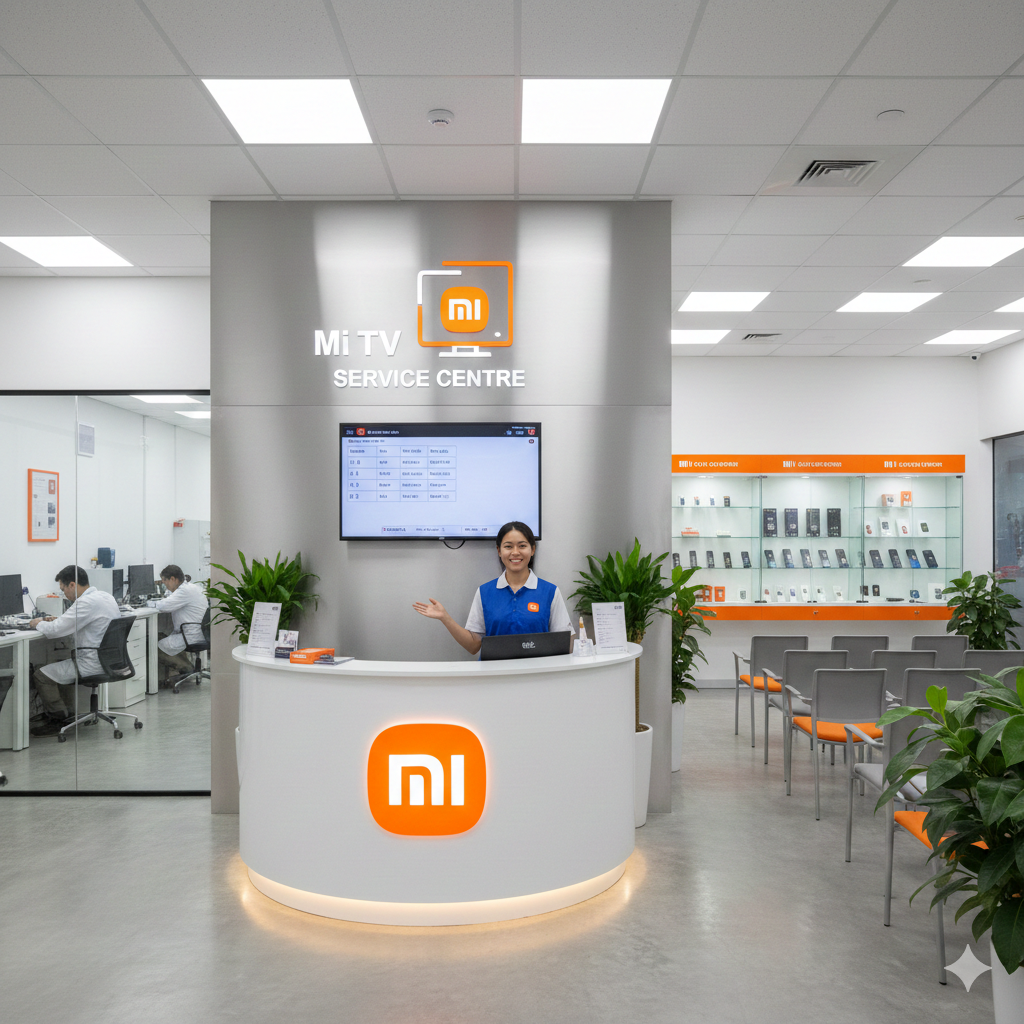
INTRODUCTION
A Mi TV Service Center can troubleshoot ARC connection failures with compatible sound systems by checking HDMI ARC settings, cable connections, audio output options, device compatibility, firmware, and communication between the television and connected audio equipment. Audio Return Channel, commonly called ARC, allows compatible televisions to send audio through an HDMI connection to a soundbar, AV receiver, or home theatre system. When ARC fails, users may experience no sound, intermittent audio, incorrect output selection, or repeated connection loss. Understanding the connection and testing each component can help identify the source of the problem.
Understanding HDMI ARC on a Mi TV
HDMI ARC allows a television and compatible audio equipment to exchange audio through a supported HDMI port. Instead of using a separate optical audio cable, the TV can send supported audio signals to a soundbar or receiver through the HDMI connection.
For ARC to work correctly, the television and connected sound system must support the required ARC features. The HDMI cable must also be connected to the correct ports. Using an ordinary HDMI port instead of the designated ARC or eARC port can prevent the audio system from receiving sound.
ARC also depends on communication between the two devices. If either device does not recognize the other correctly, the TV may continue using its internal speakers even though the HDMI cable is connected.
Checking the correct HDMI ports
One of the simplest causes of ARC failure is incorrect port selection. A television may have several HDMI inputs, but only one may support ARC or eARC functionality.
The soundbar or receiver may also have a specific HDMI output marked ARC or eARC. The cable should connect the television's designated ARC-compatible HDMI port to the corresponding port on the audio device.
Users should check the labels printed near the HDMI ports and refer to the device manuals when necessary. Moving the cable to a standard HDMI input without ARC support will not establish the required audio return connection.
Checking HDMI cable condition
A damaged, loose, or unsuitable HDMI cable can interfere with ARC communication. The cable should be firmly connected at both ends. If the connection feels loose, disconnecting and reconnecting it carefully may help.
Testing another compatible HDMI cable can also help determine whether the original cable is responsible. If ARC works normally with another cable, the television and sound system may not be the primary problem.
Cable testing is especially useful when the ARC connection works intermittently or disappears after the TV or sound system is restarted.
Checking TV audio output settings
The television must be configured to send sound through the appropriate external audio connection. If the TV continues selecting internal speakers, the soundbar may appear connected without producing audio.
Users can check the TV's sound output settings and select the HDMI ARC or external audio option when available. Settings related to HDMI control may also need to be enabled.
After changing the output setting, it can be useful to restart both the TV and sound system. This allows the devices to establish their HDMI communication again.
Mi TV Service Center in Mumbai
A Mi TV Service Center in Mumbai can help investigate ARC connection failures by checking HDMI ports, audio output settings, compatible sound systems, cables, and device communication. When the TV does not recognize a connected soundbar or receiver, systematic testing can help determine whether the problem originates from the television or the external equipment.
The diagnostic process can include testing another HDMI port where appropriate, checking the ARC-supported connection, comparing internal and external audio output, and reviewing relevant settings. If ARC works with one compatible device but not another, the connected equipment may require separate examination.
Checking HDMI-CEC settings
ARC often works alongside HDMI-CEC functions that allow connected devices to communicate and control certain operations. Depending on the television and sound system, HDMI-CEC may have a different name in the settings menu.
If HDMI-CEC is disabled, the sound system may not be detected correctly. Users can check whether the relevant HDMI control feature is enabled on both devices.
A mismatch between settings can sometimes prevent automatic device detection. Restarting both devices after enabling the required feature can help establish communication.
Testing the sound system separately
The soundbar or AV receiver should also be tested independently when possible. If it does not produce audio from other compatible sources, the problem may not be related to the Mi TV.
Testing another input on the sound system can help determine whether its speakers and amplifier are functioning normally. If the sound system works correctly with another source but fails only through ARC, attention can return to the HDMI connection, TV settings, or device compatibility.
Checking digital audio format
ARC supports particular audio formats, and compatibility can vary between televisions and sound systems. An incompatible or incorrectly selected digital audio format can result in silence, interruptions, or unexpected audio behavior.
If a sound system does not support the selected output format, changing the TV's digital audio setting to a compatible option may help. Testing a simpler audio format can be useful during diagnosis.
If audio begins working after changing the format, the issue may be related to compatibility rather than a physical HDMI failure.
Mi TV Service Center in Bahadurpura
A Mi TV Service Center in Bahadurpura can assist when an ARC connection repeatedly fails despite correct HDMI connections and compatible equipment. Technicians can compare different cables, check television audio settings, inspect supported HDMI ports, and evaluate whether the connected sound system is being detected properly.
Users can provide useful information by noting whether the sound system appears on the TV, whether audio works briefly before disappearing, and whether restarting either device restores the connection. Such details can help narrow down intermittent ARC problems.
Checking firmware and software
Television and sound system software can influence compatibility and HDMI communication. If ARC problems began after an update, configuration change, or prolonged period of standby, software behavior may deserve attention.
Checking for available firmware updates on compatible devices can be useful. After updating, restarting the TV and audio system allows them to establish a fresh connection.
However, users should follow the manufacturer's update instructions carefully and avoid interrupting an update process.
Power cycling the connected devices
A complete power cycle can sometimes resolve temporary HDMI communication problems. The television and sound system can be switched off, disconnected from power where appropriate, and restarted according to their normal operating instructions.
This process can clear temporary communication states and allow ARC devices to detect each other again. If ARC repeatedly fails after every restart, further troubleshooting may be necessary.
Identifying intermittent ARC failures
Intermittent ARC failures can be more difficult to diagnose than a complete loss of audio. The sound may work after turning the TV on but disappear after switching inputs, waking the soundbar from standby, or changing channels.
Users should observe the exact condition that triggers the failure. For example, if ARC stops working only after switching from a streaming application to a set-top box, the interaction between the source device and audio system may provide an important clue.
Keeping a record of these patterns can make technical diagnosis more efficient.
Distinguishing ARC problems from speaker problems
If the TV produces sound normally through its internal speakers but not through the soundbar, the issue may involve ARC communication or external audio settings rather than the television's internal speakers.
Conversely, if both the internal speakers and external audio output have problems, the television's broader audio system may require examination.
This distinction is useful because ARC problems do not necessarily indicate a failure of the TV's speakers. Testing both output methods helps separate these possibilities.
When professional troubleshooting is useful
Professional troubleshooting becomes useful when compatible equipment is not detected, ARC repeatedly disconnects, audio remains unavailable after basic settings checks, or several cables produce the same result.
Technical inspection can evaluate HDMI ports, internal communication circuits, software behavior, and other components that cannot be reliably assessed through ordinary settings menus.
Users should avoid opening the television to inspect HDMI circuitry themselves. Internal components are sensitive, and improper handling can create additional problems.
Preventing recurring ARC connection failures
Using compatible HDMI ports, keeping cables securely connected, and maintaining updated device software can support reliable ARC operation. It is also helpful to avoid frequently changing several audio settings simultaneously.
When adding a new soundbar or receiver, users should check ARC compatibility and follow the recommended connection sequence. Keeping the television and sound system configured consistently can reduce unnecessary connection problems.
If an ARC failure returns, testing the cable, restarting both devices, and checking the audio output setting are useful initial steps before deeper troubleshooting.
Conclusion
ARC connection failures can result from incorrect HDMI ports, unsuitable cables, disabled HDMI control settings, incompatible audio formats, software issues, or communication problems between compatible devices. A Mi TV Service Center can troubleshoot these issues by examining the television's ARC configuration, HDMI connections, audio output settings, firmware, and interaction with the connected sound system. Systematic testing is particularly helpful when ARC works intermittently or fails only after specific actions. By separating television settings, external equipment, and connection-related causes, the underlying problem can be identified more efficiently.
Frequently Asked Questions
1. Why does my Mi TV show a connected soundbar but produce no sound?
The TV may be using its internal speakers, the ARC setting may be disabled, or the HDMI connection may not be established correctly. Checking the audio output and ARC-compatible ports can help.
2. Can an HDMI cable cause ARC to stop working?
Yes. A faulty or unsuitable HDMI cable can interfere with ARC communication. Testing another compatible cable can help determine whether the cable is responsible.
3. Does HDMI-CEC need to be enabled for ARC?
Depending on the television and sound system, HDMI-CEC may be required for proper device communication and automatic ARC operation. The relevant control setting should be checked on both devices.
4. Why does ARC work sometimes and then stop?
Intermittent ARC failures can be related to standby behavior, HDMI communication, software, input switching, cables, or device settings. Observing when the connection disappears can help identify the cause.
5. Can a Mi TV Service Center troubleshoot ARC with a soundbar?
Yes. ARC troubleshooting can include checking HDMI ports, cables, audio output settings, HDMI control features, software, and communication between the TV and compatible soundbar.
Read Our Previous Blog------>Does OnePlus TV Service Center fix audio that becomes distorted at certain volume levels?
- Digital Agency
- Literie
- Location de voitures
- Restaurant
- Restaurant
- Mode
- Mode
- Information
- Marketing
- Tourisme
- Développement
- Découverte
- Législation
- Gastronomie
- Pâtisserie
- Evenement
- Art
- Causes
- Crafts
- Dance
- Drinks
- Film
- Fitness
- Food
- Jeux
- Gardening
- Health
- Domicile
- Literature
- Music
- Networking
- Autre
- Party
- Religion
- Shopping
- Sports
- Theater
- Wellness
 French
 Indian
 English
 Arabic
 Spanish
 Portuguese
 Deutsch
 Turkish
 Dutch
Dutch
 Italiano
 Russian
 Romaian
 Portuguese (Brazil)
 Greek
Greek
