


How to Sign Up on Punjab Pollution Control Board Web Portal
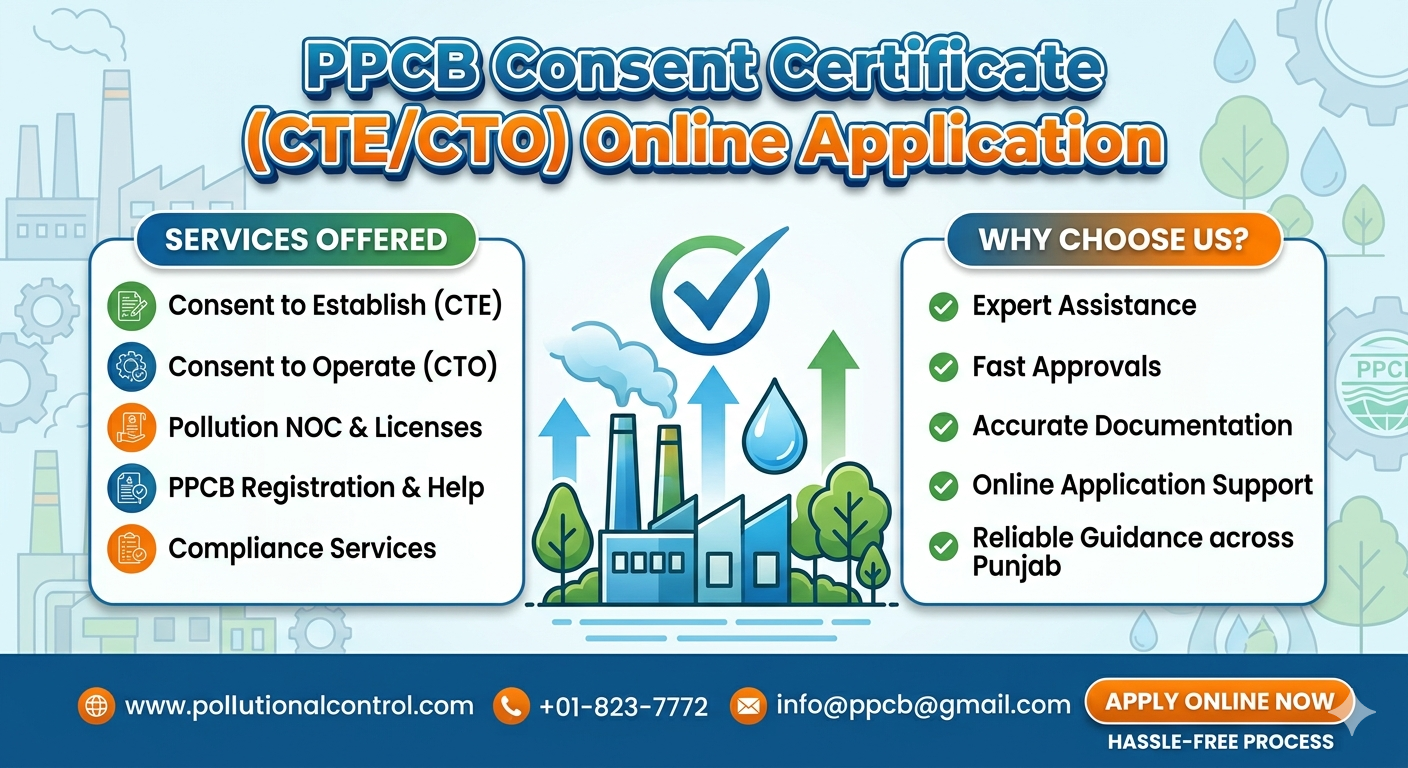
If you want to establish or run a business in Punjab, then you need to access the Punjab Pollution Control Board (PPCB) website. Login into the PPCB allows you to submit an e-application for Environmental clearances, check your application status and ensure compliance with your state's pollution laws. In this article, we will discuss how to register for and log onto the Punjab Pollution Control Board website.
The Punjab Pollution Control Board regulates polluting businesses in order to create a safe, clean environment through environmental policies and the enforcement of those regulations. In addition to protecting the environment, the Punjab Pollution Control Board helps businesses apply for necessary approvals (i.e., consent to establish, consent to operate, etc.) via the electronic form found on the Punjab Pollution Control Board's website.
To log in to the Punjab Pollution Control Board's online portal you will need access to one of the several methods offered by the Punjab Pollution Control Board to business owners and operators;
• You'll need to submit an NOC or other forms of environmental permits
• You'll be able to check the status of your approvals in real-time
• You can electronically submit all of the documentation required to demonstrate that you are in compliance with all applicable laws/regulations
• You may renew any of your licenses or consents electronically
• You'll be able to communicate with your local authority through the internet
Creating Your Online Services Account with PPCB
In order to access the online services available through the Punjab Pollution Control Board (PPCB), you must set up an account on the PPCB’s online website first.
Steps to Create a New Account
Step 1:
Visit the website of the PPCB by either searching for it online or locating a link titled “Online Services” or “Login/Registration” on the home page.
Step 2:
On the home page click “Register as a New User”. This will redirect you to the “Register As A New User” page on the PPCB’s online software using the web site.
Step 3:
Enter your information into the online registration application to create your account and include:
- Complete Name of Individual
- Name and Address of Business
- Email Address of Business Owner or Individual
- Country/Region of Residency
- Type of Industry you are in
(The information you provide needs to be accurate so that you are verified and receive an accurate verification report.)
Step 3 - Select your Username and Password
To create an account with the Punjab Pollution Control Board (PPCB) to access services online you will be required a Username and an associated Password.
Step 4 - Enter your Username and Password
You will create a Username and Password when you create your account with PPCB; when doing so you should be sure to select a strong Username and Password that contain: both upper/lower case letters or numbers and/or symbols.
Step 5 - Complete your account creation application
If you submit an account creation application to PPCB, you will receive by text or e-mail a One Time Password (OTP) that contains a unique six digit code that you will type into as part of completing your account creation process.
Step 6 - After you have become a registered user
Now that your account has been created with PPCB, you must go to the PPCB website (www.ppcb.gov.in) and click on the LOGIN button (located at the upper right of the home page) to access the LOGIN page to perform actions necessary to complete logging into your USER ACCOUNT.
PPCB Login Process
1. Enter Credentials
Provide your:
• Username
• Password
• Captcha (if applicable)
2. Click on Login
After entering the details, click the “Login” button to access your dashboard.
3. Access Dashboard
Once logged in, you can:
• Apply for CTE/CTO
• Check application status
• Upload documents
• Manage compliance records
How to Reset PPCB Login Password
If you forget your password, don’t worry. The PPCB login portal offers an easy recovery option:
- Click on “Forgot Password” on the login page
- Enter your registered email or username
- Verify using OTP
- Set a new password
This ensures uninterrupted access to the Punjab Pollution Control Board website.
Common Issues in PPCB Login (and Solutions)
While using the PPCB login, users may face some common problems:
• Incorrect Credentials: Double-check username and password
• OTP Not Received: Ensure your mobile/email is active
• Website Not Loading: Try clearing cache or using a different browser
• Account Locked: Contact PPCB support for assistance
Benefits of Using PPCB Online Portal
The Punjab Pollution Control Board website offers several advantages:
• 100% online application process
• Faster approval and tracking
• Transparency in operations
• Reduced paperwork
• Easy compliance management
Final Thoughts
Registering and accessing the PPCB login portal is a crucial step for industries operating in Punjab. The Punjab Pollution Control Board has made the process simple and digital, ensuring businesses can meet environmental regulations efficiently.
By following the steps above, you can easily register and log in to the Punjab Pollution Control Board website without any hassle. Staying compliant not only helps avoid penalties but also contributes to a cleaner and safer environment.
- Digital Agency
- Literie
- Location de voitures
- Restaurant
- Restaurant
- Mode
- Mode
- Information
- Marketing
- Tourisme
- Développement
- Découverte
- Législation
- Gastronomie
- Pâtisserie
- Evento
- Art
- Causes
- Crafts
- Dance
- Drinks
- Film
- Fitness
- Food
- Giochi
- Gardening
- Health
- Home
- Literature
- Music
- Networking
- Altre informazioni
- Party
- Religion
- Shopping
- Sports
- Theater
- Wellness
 Italiano
 Indian
 English
 French
 Arabic
 Spanish
 Portuguese
 Deutsch
 Turkish
 Dutch
Dutch
 Russian
 Romaian
 Portuguese (Brazil)
 Greek
Greek
