


OMR Scanner Software for Educational Institutions
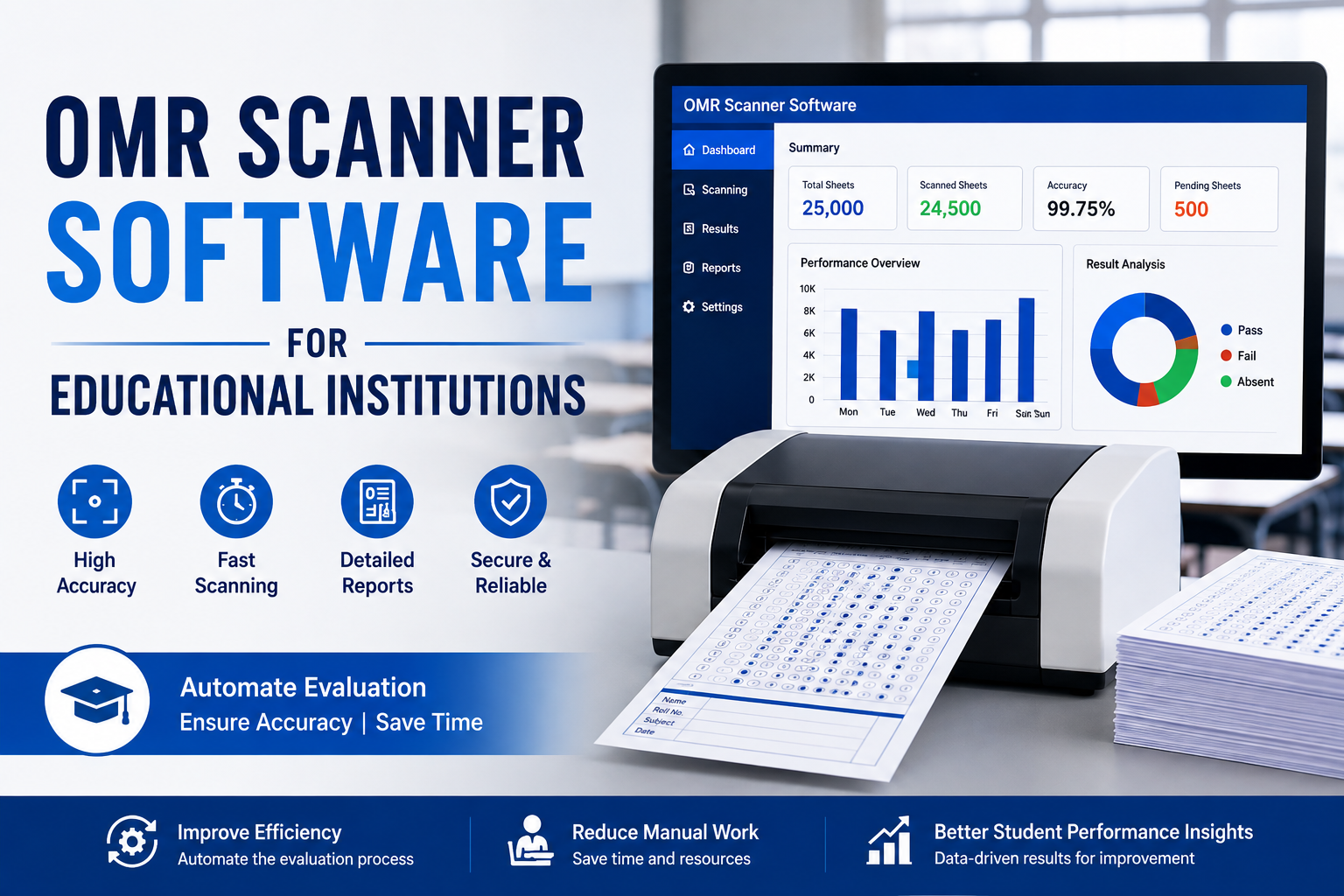
Educational institutions handle a large number of examinations throughout the academic year. From schools and colleges to universities, coaching centers, and competitive exam organizations, evaluating hundreds or thousands of answer sheets can be time-consuming when done manually. OMR Scanner Software provides an efficient solution by automating the scanning, reading, and evaluation of OMR answer sheets.
OMR, or Optical Mark Recognition, is a technology designed to identify marked responses on specially designed answer sheets. With OMR Scanner Software, institutions can process examination sheets quickly, reduce manual errors, and generate accurate results. As education continues to adopt digital technologies, OMR solutions are becoming an important part of modern examination management.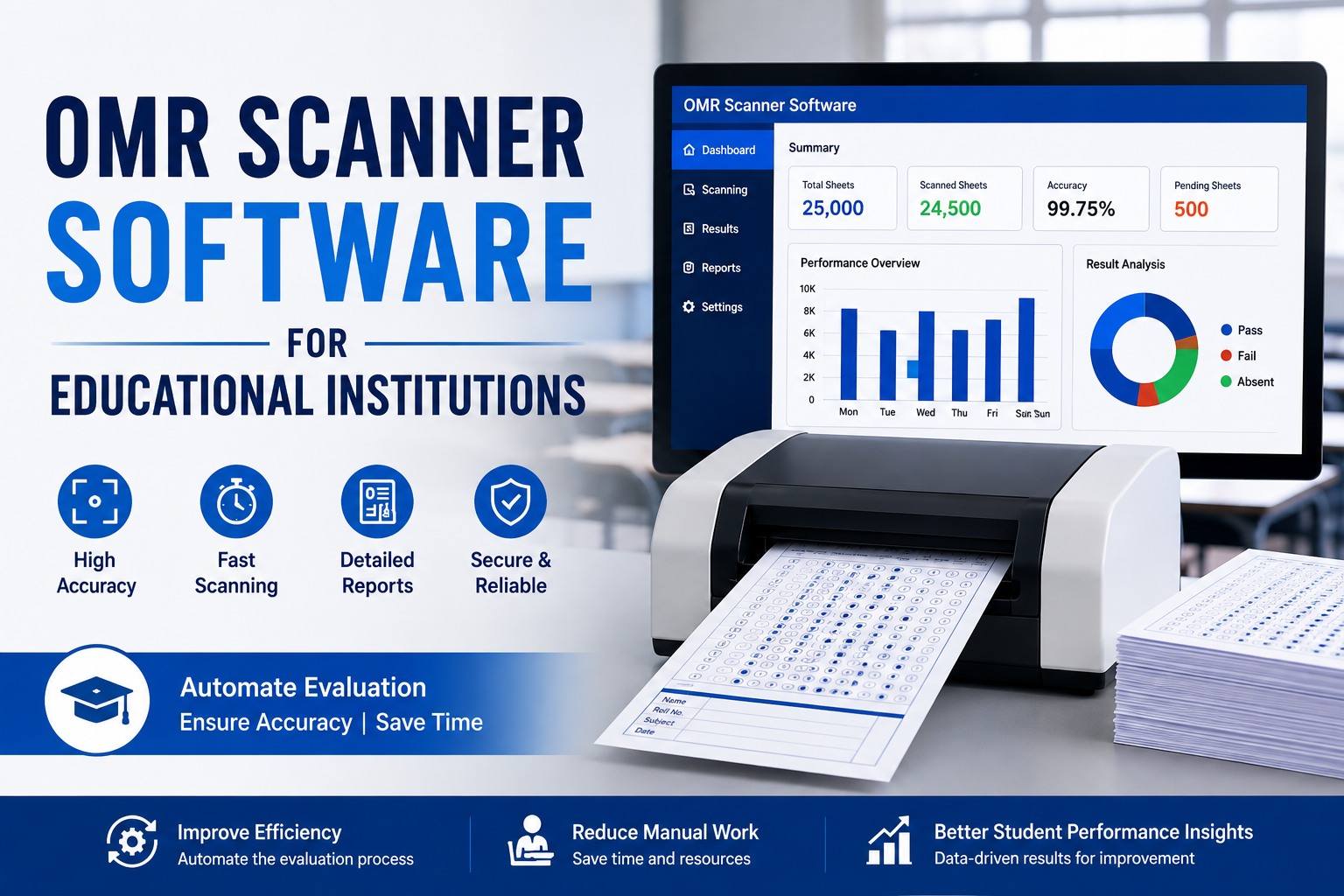
What Is OMR Scanner Software?
OMR Scanner Software is an examination evaluation solution that reads marked bubbles or responses from OMR sheets using an image scanner or compatible scanning device. The software analyzes scanned answer sheets and compares student responses with a predefined answer key.
Instead of manually checking every answer sheet, teachers and examination administrators can scan multiple sheets and allow the software to automatically process the responses. Depending on the system, it can also calculate scores, identify incorrect answers, detect unanswered questions, and generate detailed reports.
Why Educational Institutions Need OMR Software
Traditional examination evaluation can require significant time and human resources, particularly when an institution conducts large-scale objective examinations. Manual evaluation may also result in calculation or checking mistakes.
OMR Scanner Software helps overcome these challenges by providing an automated evaluation process. Educational institutions can use it for school examinations, entrance tests, scholarship tests, mock tests, assessments, surveys, and competitive examinations.
The main advantage is the ability to process a large number of answer sheets in less time while maintaining consistent evaluation standards.
Key Features of OMR Scanner Software
1. Fast Answer Sheet Scanning
OMR software can process large batches of answer sheets efficiently. Once the sheets are scanned, the software automatically reads the marked responses and prepares the data for evaluation.
This can significantly reduce the workload of teachers and examination staff.
2. Accurate Evaluation
Accuracy is one of the most important requirements in examination management. OMR Scanner Software automatically reads marked responses according to predefined rules, helping minimize common human errors associated with manual checking.
Automated scoring also ensures that the same evaluation criteria are applied to every student.
3. Automatic Result Generation
After scanning and evaluating the answer sheets, the software can calculate student scores automatically. Institutions can generate results without manually calculating marks for every candidate.
This is particularly useful when thousands of students participate in an examination.
4. Answer Key Management
Most OMR examination systems allow administrators to create or upload answer keys. The software then compares student responses with the correct answers to calculate scores.
Multiple answer keys or examination sets can also be supported depending on the software configuration.
5. Detailed Reports
OMR Scanner Software can provide useful reports for teachers and administrators. These may include student-wise results, question-wise analysis, marks obtained, correct and incorrect responses, rankings, and performance summaries.
Such reports can help institutions understand student performance and identify areas where additional academic support may be required.
6. Reduced Manual Work
Checking objective answer sheets manually can consume hours of staff time. Automation reduces repetitive tasks and allows teachers and examination teams to focus on more important academic responsibilities.
Benefits of OMR Scanner Software for Educational Institutions
Saves Time
One of the biggest benefits of OMR technology is faster evaluation. Large numbers of answer sheets can be scanned and processed without requiring staff to check every response manually.
Reduces Human Errors
Manual checking can sometimes lead to incorrect calculations or overlooked responses. Automated processing helps maintain consistency and reduces the possibility of such mistakes.
Improves Examination Efficiency
With automated scanning and evaluation, institutions can organize the complete examination process more efficiently. Results can be prepared faster, allowing students and administrators to receive performance information sooner.
Supports Large-Scale Examinations
Schools, universities, coaching institutes, and examination authorities often conduct tests involving hundreds or thousands of candidates. OMR technology is well suited to these environments because it can process large volumes of objective answer sheets.
Provides Better Performance Insights
Detailed OMR reports can help educators analyze examination performance. Question-wise and student-wise analysis can highlight difficult topics, common mistakes, and overall academic trends.
Applications of OMR Scanner Software
OMR Scanner Software has applications across many educational environments. Schools can use it for periodic tests, semester examinations, unit tests, and assessments. Colleges and universities can use it for entrance examinations, internal assessments, and objective-based examinations.
Coaching institutes can also use OMR solutions for mock tests and competitive examination preparation. Recruitment and examination organizations may use the technology for large-scale objective assessments.
How OMR Scanner Software Works
The process is generally straightforward. First, the institution creates an OMR answer sheet and prepares the examination answer key. Students mark their responses on the printed sheets.
After the examination, completed OMR sheets are scanned using a compatible scanner. The software analyzes the scanned images and identifies the marked bubbles. It then compares the responses with the answer key and calculates the scores.
Finally, the system generates results and reports that administrators and teachers can use for further analysis.
Choosing the Right OMR Scanner Software
Educational institutions should consider several factors before selecting an OMR solution. Scanning speed, recognition accuracy, answer-key management, report generation, ease of use, compatibility with scanners, data security, and scalability are important considerations.
Institutions should also evaluate whether the software can handle their expected examination volume and whether it provides the reporting features required by teachers and administrators.
Conclusion
OMR Scanner Software for Educational Institutions offers a practical way to modernize examination evaluation. By automating answer-sheet scanning, scoring, result generation, and reporting, it can save time, reduce manual effort, and improve evaluation consistency.
As schools, colleges, universities, and coaching institutes continue to conduct large numbers of objective examinations, OMR technology can play an important role in creating a faster and more efficient assessment process. With the right OMR solution, educational institutions can simplify examination management while gaining valuable insights into student performance.
- Digital Agency
- Literie
- Location de voitures
- Restaurant
- Restaurant
- Mode
- Mode
- Information
- Marketing
- Tourisme
- Développement
- Découverte
- Législation
- Gastronomie
- Pâtisserie
- Evenement
- Art
- Causes
- Crafts
- Dance
- Drinks
- Film
- Fitness
- Food
- Spellen
- Gardening
- Health
- Home
- Literature
- Music
- Networking
- Overig
- Party
- Religion
- Shopping
- Sports
- Theater
- Wellness
 Dutch
Dutch
 Indian
 English
 French
 Arabic
 Spanish
 Portuguese
 Deutsch
 Turkish
 Italiano
 Russian
 Romaian
 Portuguese (Brazil)
 Greek
Greek
