Introduction
You’re ready to watch your favorite show, but your TV suddenly shows a black screen—no picture, just sound, or sometimes, nothing at all. This issue can be frustrating and confusing, especially when you’re unsure of the cause. Black screen problems can result from loose cables, power issues, or internal component failures.
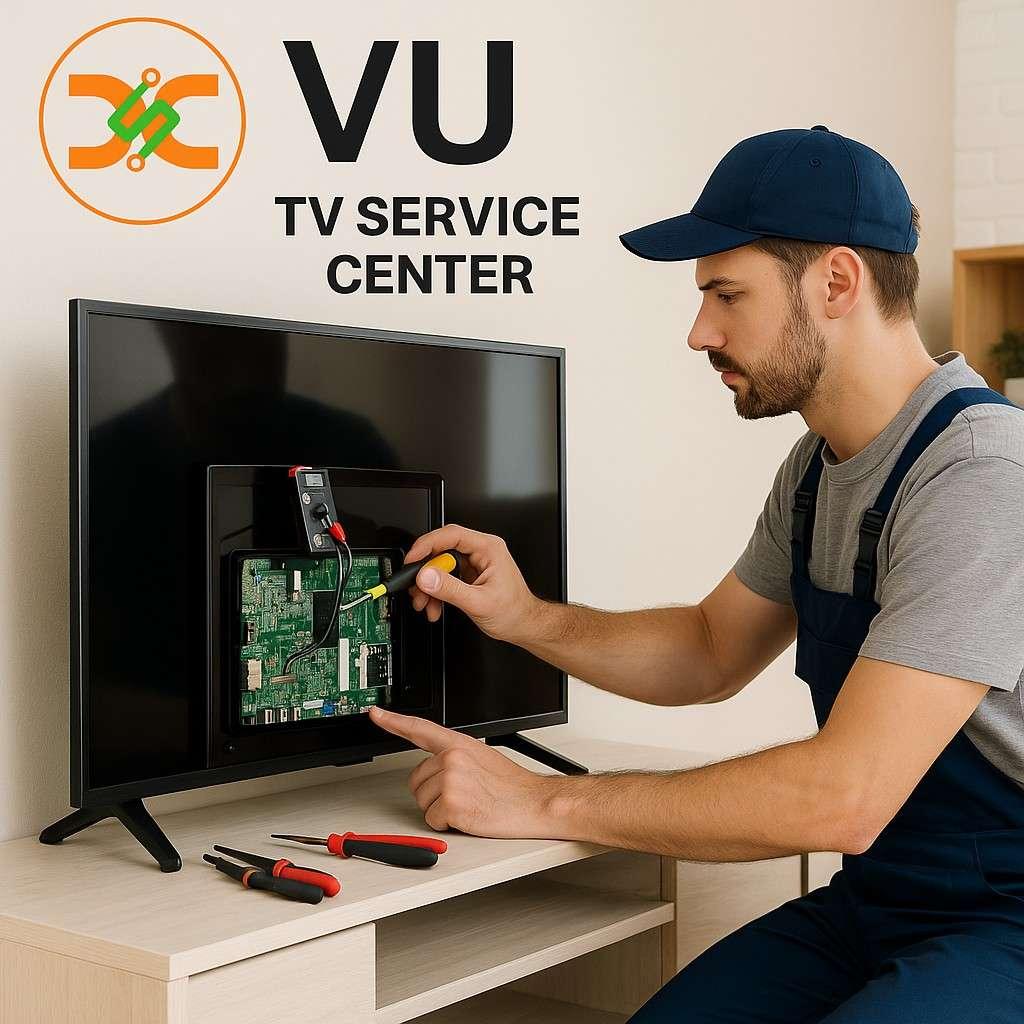
In this guide, we’ll explain how to troubleshoot and fix the issue step by step, and when to call the professionals at the VU TV Service Center for expert assistance.
1. Check the Power Connection
Before assuming there’s a major fault, ensure your TV is getting proper power.
-
Verify the plug is securely connected to a working outlet.
-
Try using a different socket to rule out a faulty power source.
-
Inspect the power cable for visible damage or cuts.
If your TV has a standby light, see if it’s on. If not, the issue could lie with the power supply, and you may need to contact a technician from the VU TV Service Center in Mumbai.
2. Look for Remote or Input Issues
Sometimes, your TV might be working perfectly, but it’s set to the wrong input mode.
-
Press the “Input” or “Source” button on your remote.
-
Cycle through HDMI, AV, or USB options until you see a picture.
If your remote isn’t responding, check or replace the batteries. A non-working remote can make it seem like your TV is unresponsive, even when it’s not.
3. Perform a Soft Reset
Many black screen problems are due to temporary software glitches. You can perform a soft reset easily:
-
Unplug the TV from the wall.
-
Wait for about 2–3 minutes.
-
Plug it back in and power it on.
This clears any stored electrical charge and resets internal circuits, which often resolves minor malfunctions.
If your screen remains black after a reset, it may require inspection at an authorized VU TV Service Center in Thane.
4. Check the Backlight
If your TV emits sound but no picture, the issue may lie with the backlight. The backlight illuminates the screen, allowing the display to be visible.
To test it:
-
Turn off all lights in the room.
-
Shine a flashlight close to the screen while the TV is on.
If you faintly see images or menus, the backlight is likely defective. This repair involves replacing LED strips or the backlight board—something best handled by professionals.
Certified technicians from Specialized Repair Services in Different Cities have the tools and expertise to replace faulty components safely and restore your screen’s brightness.
5. Inspect HDMI and AV Connections
Loose or faulty HDMI cables are a common cause of black screen problems.
Also, test each input port individually—sometimes, one HDMI port may be damaged while others function correctly.
6. Disable Energy-Saving or Sleep Mode
Modern Smart TVs often include features like Energy Saving Mode or Sleep Timers. When these settings activate, they can dim or completely turn off your display.
Go to Settings > Picture or General Settings and disable power-saving features. If the screen is too dark or blank, try a factory reset once the picture returns.
7. Firmware or Software Glitches
Smart TVs, including VU models, occasionally encounter software bugs that can freeze the display.
Try these steps:
-
Check for available firmware updates.
-
Perform a hard reset (factory reset) from the TV’s menu, if accessible.
If the screen remains blank and you can’t access settings, service technicians from the VU TV Service Center can reinstall or update your TV’s firmware using authorized tools.
8. Motherboard or T-CON Board Damage
The T-CON board (Timing Control Board) controls how images appear on your screen. If it’s damaged, you may see a black screen or distorted images.
Likewise, the motherboard—the main circuit—can fail due to voltage fluctuations, moisture, or overheating.
These components require precise diagnosis and replacement. Expert repair centers like Dial Service Centre or the VU TV Service Center in Mumbai can handle such internal hardware repairs using original components.
9. Overheating Issues
Continuous usage or blocked ventilation can cause overheating, leading to automatic shutdown or display failure.
If overheating persists, technicians can check for internal cooling issues or faulty capacitors that may need replacement.
10. Contact Professional Service Support
If you’ve tried all troubleshooting methods and the problem remains, it’s time to reach out to professionals.
Authorized service networks like the VU TV Service Center in Thane or Mumbai provide reliable, brand-certified repairs.
Their technicians are trained to diagnose power board, backlight, and motherboard problems, ensuring your TV is repaired safely and efficiently. You’ll also benefit from warranty protection, genuine spare parts, and quick turnaround times.
Why Choose Authorized VU TV Service Centers?
-
Certified Technicians: Skilled professionals trained by the manufacturer.
-
Genuine Parts: Only original VU components are used for replacements.
-
Warranty Protection: Keeps your warranty valid and secure.
-
Doorstep Repairs: Convenient home service available in most cities.
-
Specialized Expertise: Access to Specialized Repair Services in Different Cities for complex issues.
Authorized centers like Dial Service Centre ensure long-lasting repairs, transparent pricing, and complete customer satisfaction.
Conclusion
A black screen can be caused by anything from a simple input issue to a damaged backlight or motherboard. Before panicking, try basic troubleshooting—check connections, reset your TV, and test the power supply. If the issue persists, professional help from the VU TV Service Center is the safest way to restore your TV’s performance.
With expert technicians, genuine parts, and specialized repair services across cities, you can get your TV working like new again—quickly and hassle-free.
FAQ Section
Q1: Why is my VU TV screen black but sound works?
This usually indicates a backlight failure or display issue that needs expert repair.
Q2: Can I fix a black screen on my TV myself?
You can try basic fixes like resetting or checking cables, but internal repairs require professionals.
Q3: Does the VU TV Service Center in Mumbai offer doorstep service?
Yes, most authorized centers offer convenient home repair services.
Q4: How do I prevent my TV screen from going black again?
Avoid voltage fluctuations, keep your TV ventilated, and update firmware regularly.
Q5: Are repairs covered under warranty?
Yes, if your TV is within warranty and the issue isn’t caused by physical damage.



 Deutsch
 Indian
 English
 French
 Arabic
 Spanish
 Portuguese
 Turkish
 Dutch
Dutch
 Italiano
 Russian
 Romaian
 Portuguese (Brazil)
 Greek
Greek